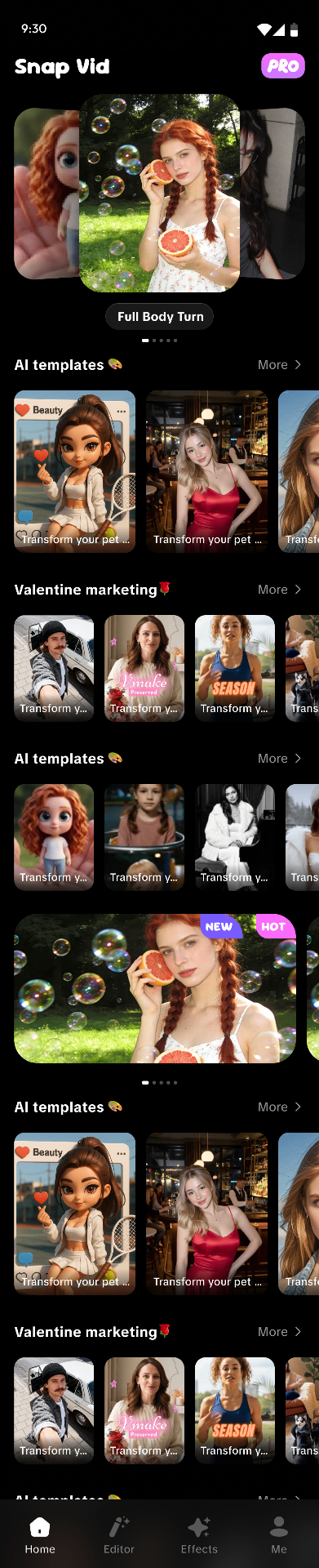
New • AI Photo-to-Video

One snap.
One tap.
Instant video.

Snap Vid turns a single still photo into a cinematic short clip. Animate motion, restyle vibes, and remix viral templates — no editing skills, no timeline, no waiting.

Template
Editor
Snap Vid app
What it does

From quiet photo to scroll-stopping clip

Three core engines. Endless creative output. All powered by our in-house video diffusion stack.

Motion

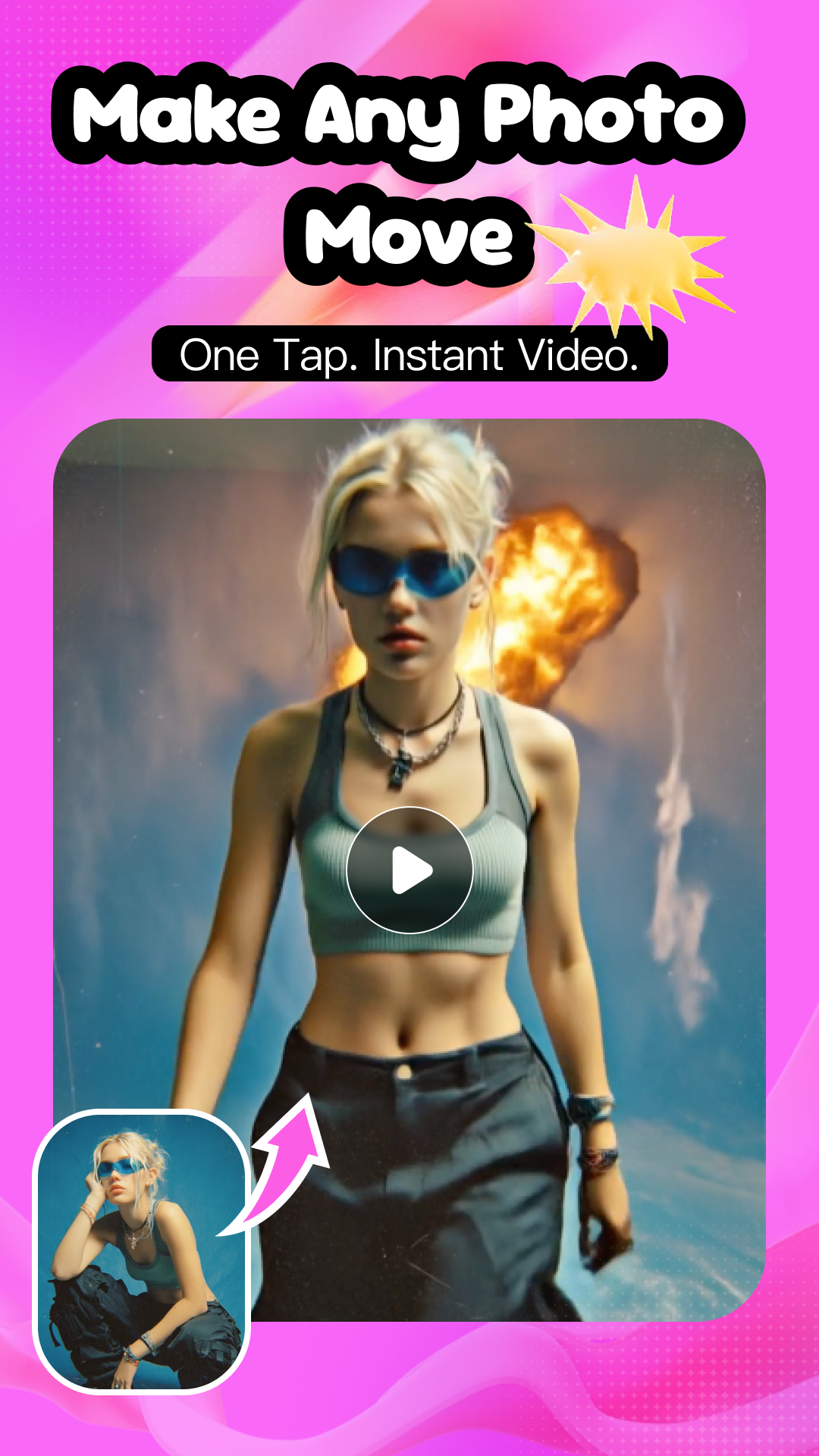
Make any photo move

Upload one frame and watch it breathe. Snap Vid predicts depth, parallax, and natural micro-motion so portraits blink, hair sways, and backgrounds drift like real footage.

  • 5-second clips in under a minute
  • Up to 1080p export, no watermark on Pro
  • Works on people, pets, anime, products
Make any photo move
Style

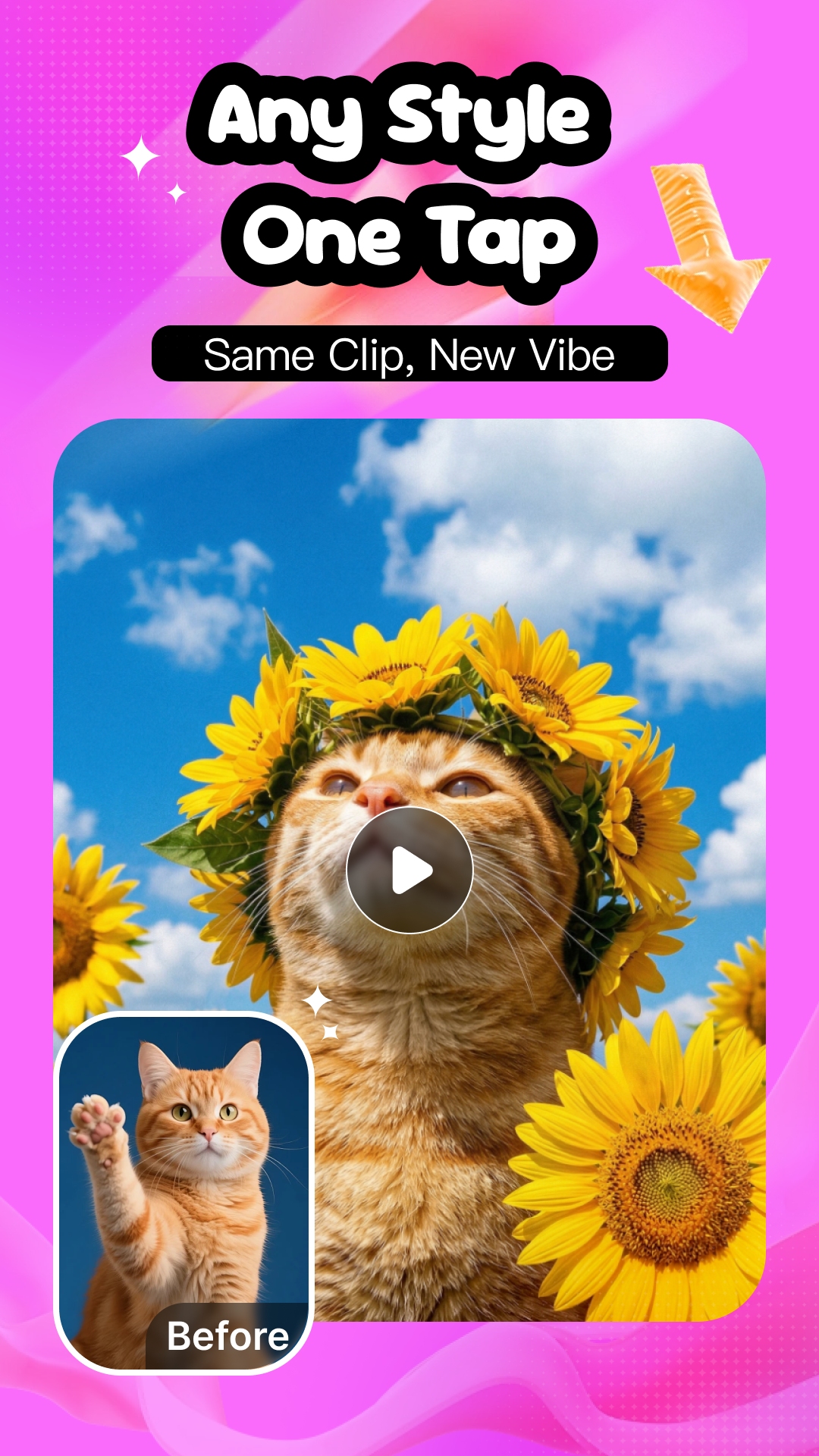
Same clip. Brand new vibe.

Switch aesthetics with one tap — anime, claymation, cinematic, Y2K, oil paint, 8-bit. Style transfer preserves your subject while reimagining the entire scene.

  • 40+ signature style presets
  • Consistent character across frames
  • Stack styles for hybrid looks
Any style, one tap
Prompt

Direct the AI in plain words

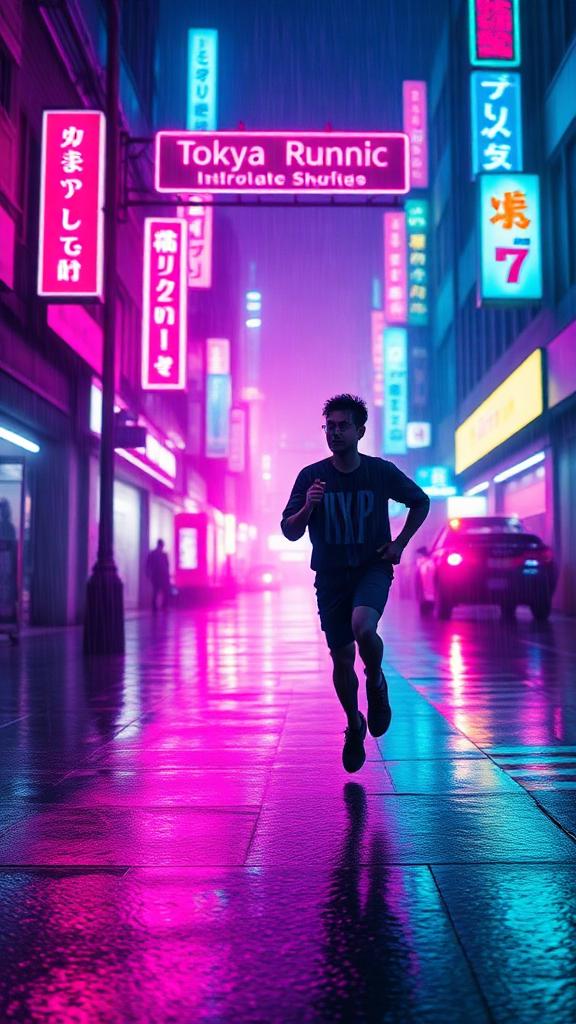
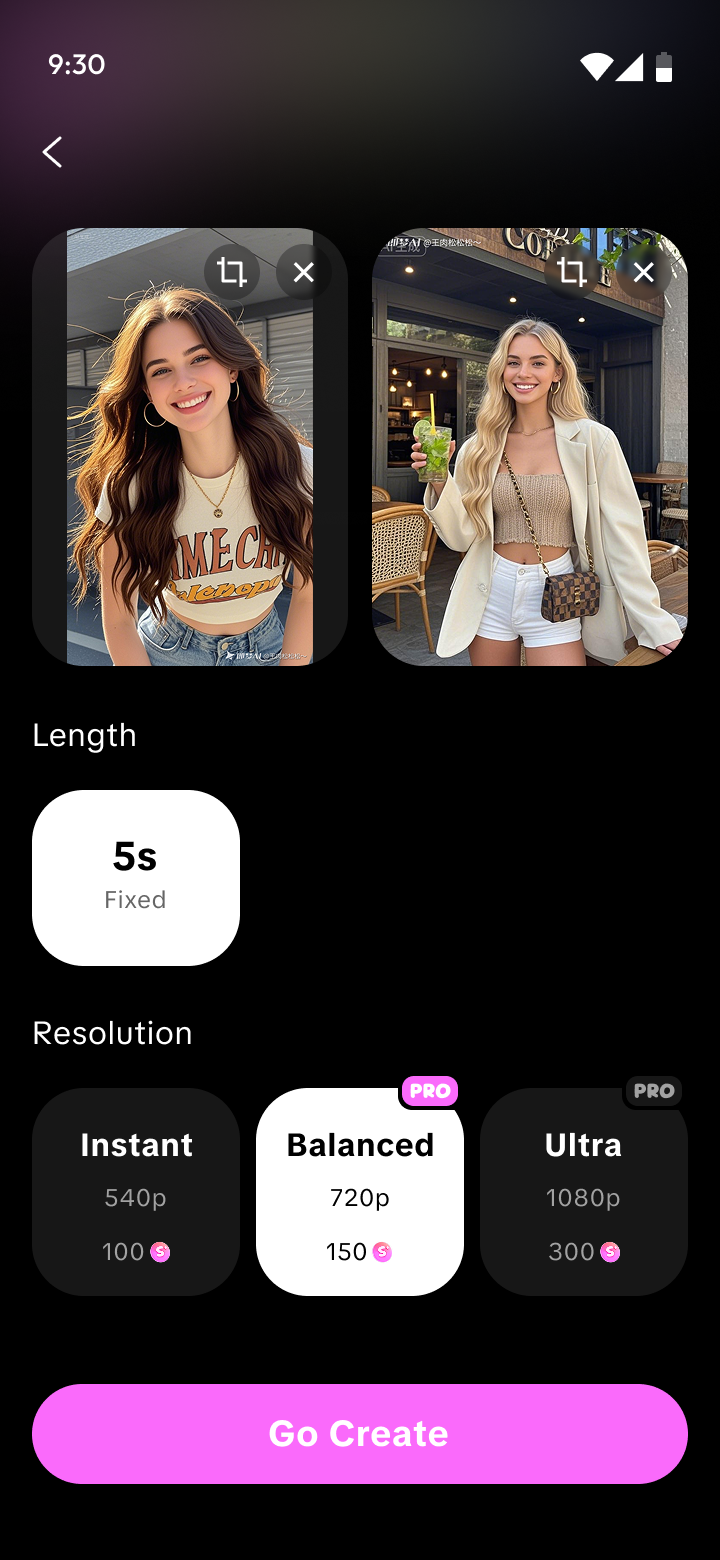
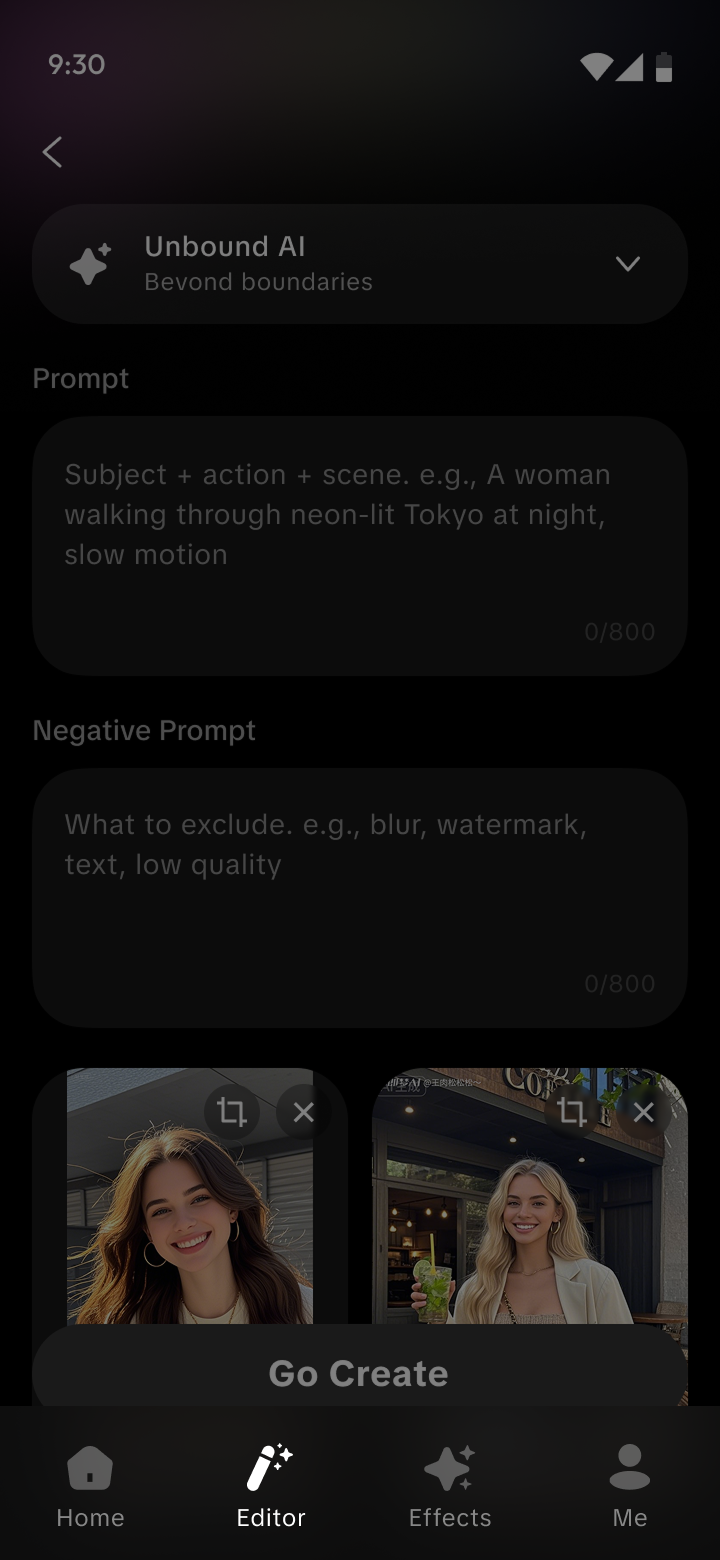
Want a slow zoom? Neon Tokyo at night? A washing-machine spin? Type it, hit Go Create — Unbound AI handles the cinematography.

  • Prompt + negative prompt control
  • Reference images for character lock
  • Three quality tiers: Instant, Balanced, Ultra
Prompt editor
Templates

Skip the blank page

200+ trending recipes curated weekly. Drop in a photo, pick a vibe, post in seconds.

Neon RunnerHotNeon Runner
Cherry BloomStyleCherry Bloom
Ocean DriftNewOcean Drift
Sunset CruiseTrendingSunset Cruise
How it works

Three taps to a finished video

01

Pick a photo

Snap a new one or pull from your library. Even old phone shots work — we re-upscale them on the fly.

02

Choose a vibe

Pick a template, a style preset, or write your own prompt. Unbound AI fills in the cinematography.

03

Share everywhere

Export to TikTok, Reels, or save 1080p. No watermark on Pro. Re-edit anytime from your history.

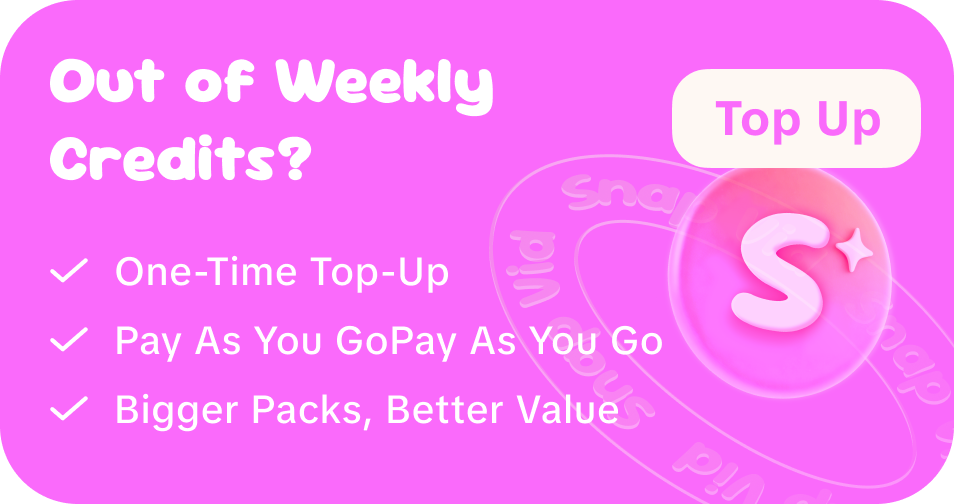
Out of weekly credits?

  • One-time top-up, no subscription
  • Pay as you go — credits never expire
  • Bigger packs, better value
Top up credits
FAQ

Credits, plans & answers

What are credits used for?

Credits power every generation in Snap Vid — templates, image-to-video, and text-to-video. The cost of each video depends on its length and quality, and is always shown before you generate. If a generation fails, its credits are automatically refunded.

How do I receive credits on the Weekly and Yearly plans?

Both subscription plans deposit a fresh batch of credits into your account every week — automatically, for as long as your subscription is active: 699 credits/week on the Weekly plan, and 1,000 credits/week on the Yearly plan.

Do credits expire?

It depends on your plan:

PlanCredits arriveCredits expire
Weekly699 every week30 days after each drop
Yearly1,000 every week30 days after each drop
Lifetime15,000 all at once, instantlyNever

On Weekly and Yearly, each weekly batch stays valid for 30 days from the day it lands, so you always have time to use it. Lifetime credits have no expiry date at all.

What happens if I cancel or don't renew my subscription?

You keep full access until the end of the period you've already paid for. After that, your membership benefits end — weekly credit drops stop and Pro features are locked, and remaining subscription credits are no longer available. Renewing at any time restores your benefits.

Do you train on my photos?

Never. Your uploads are used only to render your output and are deleted from our processing servers after delivery.

Which devices will be supported?

Snap Vid is built for iPhone (iOS 15+) and Android (10+). Rendering runs on our cloud, so even older phones work.
Coming soon

Snap Vid is almost here.

We're putting the final touches on the app. For questions or early access, reach the team at davidlindemann125@gmail.com